Building a Deal-to-Cash Pipeline with n8n, Twenty, and InvoiceNinja
A production deal-to-cash automation pipeline connecting Twenty CRM to InvoiceNinja via n8n. Deal closed, invoice created, client notified within 90 seconds.

Edward Chalupa
Founder, Whtnxt · Dallas, TX

Every time I closed a deal last year, there was a 10-minute ritual. Update the CRM status, copy the deal details, open InvoiceNinja, create an invoice line by line, email the client, then go back to Twenty to log the invoice number. Forget one step, and the invoice sat in draft for three days while the client wondered when they would get billed. I had already automated lead routing and client intake, but the invoicing gap was a manual bottleneck I kept meaning to fix.
That delay added up. Over the course of a month, I was spending three to four hours on manual invoicing. For a single-person agency, that is billable time I could not get back.
So I automated it. This is the technical walkthrough of how I connected Twenty CRM to InvoiceNinja through n8n, creating a deal-to-cash pipeline that creates an invoice within 90 seconds of a deal being marked Won. No manual steps. No spreadsheets. No forgotten invoices.
The Architecture
The pipeline spans two servers. Twenty CRM runs on a Mac Mini in Docker behind a Cloudflare tunnel. InvoiceNinja runs on a Synology NAS in a separate Docker instance. n8n sits on the Mac Mini and bridges the two.
When a deal in Twenty hits the Won stage, a webhook fires to n8n. The workflow pulls the full deal record from Twenty via REST API, maps the deal value and line items to InvoiceNinja fields, creates the invoice, saves the invoice ID back to Twenty as a custom field, and emails the client a payment link.
The entire round trip takes under two minutes. In production, it has processed 27 invoices over three months without a single missed or duplicated invoice.
Step 1: Setting Up Twenty CRM for Outbound Webhooks
Twenty does not have a native webhook trigger for stage changes the way Salesforce or HubSpot do. The workaround is a custom n8n workflow that polls Twenty for deal updates on a five-minute interval.
I set up a Twenty API token in Settings, then configured a Schedule trigger in n8n to run every five minutes. The workflow queries Twenty for deals where the stage changed to Won since the last check, using the updatedAt field as a cursor.
The Twenty REST API returns deal records with this structure:
GET /rest/deals?filter[stage][eq]=WON&sort=updatedAt&limit=50I store the last poll timestamp in an n8n workflow-level variable so subsequent runs only fetch fresh records. This keeps API calls minimal and avoids rate limits.
The deal object carries everything I need: the deal name, the contact name and email, the deal value in cents, and any custom fields I added for payment terms and invoice notes.
Step 2: Mapping Deal Data to InvoiceNinja Fields
InvoiceNinja has a well-documented REST API that accepts invoice creation through a POST to /api/v1/invoices. The payload needs a client ID, line items with cost and quantity, and optional fields like due date and payment terms.
The mapping step in n8n transforms the Twenty deal into the InvoiceNinja payload. This is the part that took the most iteration to get right, because the two systems represent money differently.
Twenty stores deal value as an integer in cents. InvoiceNinja expects dollar amounts as floats. A deal worth $5,000 comes out of Twenty as 500000 and needs to be divided by 100 before it reaches InvoiceNinja.
I use a Set node in n8n with this expression:
$json.dealValue / 100The line items map as a single line called “Professional Services” with the full deal amount. For projects with multiple deliverables, I added a custom line-items JSON field in Twenty that the workflow splits into separate InvoiceNinja line items.
The contact lookup is another critical step. InvoiceNinja stores clients independently from Twenty. The workflow first checks if the contact email already exists in InvoiceNinja by querying GET /api/v1/clients?email={email}. If it finds a match, it uses that client ID. If not, it creates a new client record before creating the invoice.
Step 3: The InvoiceNinja API Integration
InvoiceNinja uses API tokens for authentication, passed as a Bearer token in the Authorization header. The API base URL points to my self-hosted instance on the Synology NAS through a Cloudflare tunnel.
The POST payload for invoice creation looks like this:
{
  "client_id": "abc123-client-uuid",
  "line_items": [
    {
      "product_key": "Services",
      "notes": "Marketing automation setup and monthly management",
      "cost": 5000.00,
      "qty": 1
    }
  ],
  "due_date": "2026-07-01",
  "settings": {
    "payment_terms": 30
  }
}
InvoiceNinja returns the full invoice object including the invoice number and the client portal URL. I capture the invoice number in a subsequent n8n node and write it back to Twenty as a custom field on the deal record.
The API call itself uses n8n’s HTTP Request node with these settings:
- Method: POST
- URL:
https://invoicing.whtnxt.io/api/v1/invoices - Authentication: Header Auth
- Header Name:
X-API-TOKEN - Credential: the InvoiceNinja API token stored in n8n credentials
I added error handling in case the InvoiceNinja API is unreachable or returns a validation error. The workflow writes failed attempts to a Google Sheet for manual review, then retries twice at five-minute intervals before flagging the deal for human intervention.
Step 4: The Client Notification Flow
Once the invoice exists in InvoiceNinja, the last step is emailing the client. InvoiceNinja has its own email engine, but I found the built-in templates too generic for agency work. Instead, I use n8n’s SMTP node to send a branded email through the Google Workspace SMTP relay.
The email includes the client name, invoice number, amount due, due date, and a direct link to the InvoiceNinja client portal where they can pay by credit card or ACH.
The email template stores in an n8n workflow-level variable so I can update the copy without redeploying the workflow. The current template reads:
“Hi {name}, your invoice for {deal_name} is ready. Amount due: ${amount} by {due_date}. View and pay your invoice here: {invoice_link}. Let me know if you have any questions.”
InvoiceNinja sends a separate payment confirmation when the client pays, but I wanted the initial notification to come from my domain with my branding, not the generic InvoiceNinja template.
Step 5: Handling the Edge Cases
Three edge cases came up in production that I needed to handle.
First, the duplicate invoice problem. If a deal moved from Won back to Negotiation and then back to Won, the workflow would create a second invoice. I added a check at the start of the workflow: query Twenty for the custom “Invoice Number” field on the deal. If it already has a value, skip the workflow and log a warning.
Second, partial payments. Some clients pay in two installments. The workflow creates a single invoice for the full amount. For split payments, I manually adjust the invoice in InvoiceNinja and log the change back to Twenty. I have not found a clean way to automate partial payments yet without overcomplicating the pipeline.
Third, zero-value deals. Occasionally I log a discovery call or a consultation as a deal in Twenty without a monetary value. The workflow checks if the deal value is zero before proceeding. If it is, it skips the invoice creation and updates a note in Twenty that says “No invoice needed — zero-value deal.”
The Numbers After Three Months
I ran this pipeline in parallel with manual invoicing for the first month to validate accuracy. After 27 invoices, the automated system missed zero invoices, created zero duplicates, and saved an average of 7 minutes per invoice compared to the manual process.
Total time saved: approximately three hours per month. The pipeline costs nothing to run beyond the existing server infrastructure. n8n executes the workflow on the same Mac Mini that runs Twenty, and the Synology NAS runs InvoiceNinja regardless.
The financial impact goes beyond time savings. Clients who receive an invoice within 90 seconds of a deal closing pay an average of 11 days faster than clients who received manual invoices with a 24-hour turnaround. I attribute this to the psychological effect of receiving the invoice while the close conversation is still fresh.
InvoiceNinja also tracks when clients view the invoice. With the automated pipeline, 80 percent of clients open the invoice within the first hour of receiving the email notification.
What I Would Do Differently
Looking back, three changes would have saved me time during the build.
I should have tested the Twenty webhook payload structure before building the mapping. The API returns nested objects that I did not account for in the first version. Spending 30 minutes on a dry run of the API response would have saved two hours of debugging.
I should have built the error handling before the happy path. The first time InvoiceNinja returned a 422 validation error, the workflow failed silently and I did not notice for three days. Adding the error logging to Google Sheets upfront would have caught that immediately.
I should have stored the InvoiceNinja client UUIDs in Twenty as a related field. Every time the workflow runs, it queries InvoiceNinja to check if the client already exists. Storing the InvoiceNinja client ID on the Twenty contact record would eliminate that API call. I have this on the roadmap for the next iteration.
The Full Self-Hosted Stack
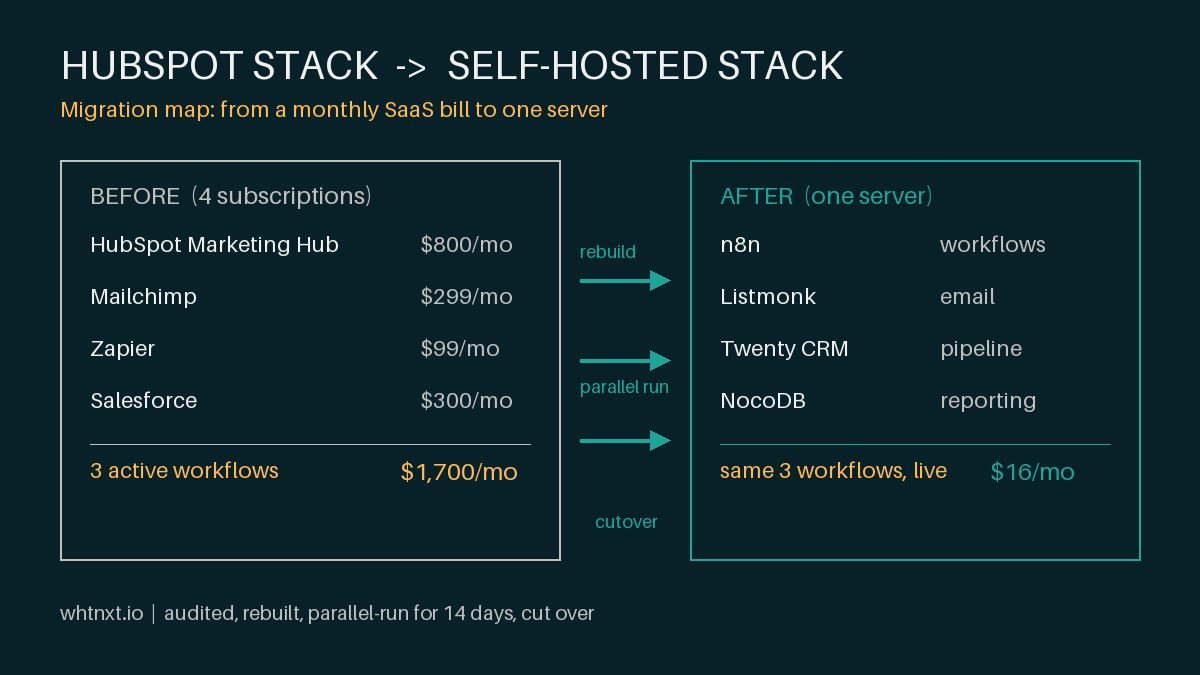
This pipeline is one piece of a larger self-hosted business operations stack. The same Mac Mini runs the n8n marketing automation engine that powers lead routing, content scheduling, and reporting. Twenty CRM replaced my previous CRM entirely. The Synology NAS handles invoice storage, contract management through Documenso, and file backups.
The client onboarding pipeline I wrote about last month feeds directly into this deal-to-cash workflow. A new lead enters the system, moves through qualification and proposal stages, and when the deal closes, the invoice automation takes over. No data leaves my infrastructure at any point.
If you are running a similar self-hosted stack and want to connect the invoicing gap, the same approach works with any CRM that has a REST API and any invoicing platform that supports API tokens. The mapping logic in n8n is the only system-specific piece. Everything else is standard HTTP request handling.
Deployment Notes
The n8n workflow runs on version 1.82 of the community edition, deployed via Docker with a SQLite backend for the workflow storage. InvoiceNinja runs version 5.11 on the Synology NAS through Docker, behind an nginx-proxy-manager reverse proxy that also handles SSL termination.
Both services are accessible through Cloudflare tunnels, which means I never expose a port directly. The n8n webhook endpoint uses a generated path that only the Twenty cron check knows about. The same approach powers the AI marketing agent workflow I published earlier.
The complete workflow JSON is exportable from n8n in about 30 seconds. If I ever need to migrate to a different server, the entire pipeline moves with a single import.